Grab and Decorate Decorate and Paint Guide
Turn truck loot and Mall finds into rooms that feel intentional.
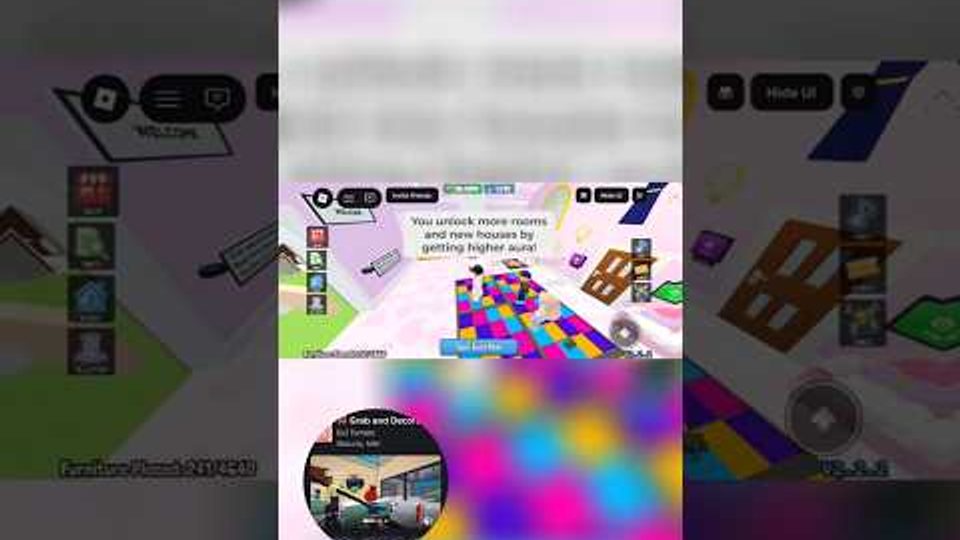
Smashing trucks fills your inventory. Decorating turns that inventory into a home. Grab and Decorate rewards players who treat placement, editing, and painting as skills—not afterthoughts. This guide covers how to place furniture cleanly, edit layouts when a room stops working, paint for cozy contrast, and build rooms that stay readable as you unlock more space.
Placement basics that save time
Enter decorate mode in your house and start with large anchors: sofas, beds, big shelves, or wide tables. Large pieces define walking lanes and conversation areas. Mid-size items—coffee tables from the BEGINNER code, sideboards, chairs—fill the gaps. Small decorations, foil balloons, trophies, and seasonal knickknacks go last so they do not block decisions about flow. Rotate pieces until edges align with walls or with each other; crooked placement reads as unfinished even when the furniture itself is rare.
Leave deliberate empty floor. Cozy does not mean crowded. A clear path from the entrance through the room makes screenshots cleaner and makes hosting other players less awkward. If you cannot walk a natural loop without jumping over tables, remove or relocate something before you buy more.
Editing when a layout fails
Editing is part of the loop. When a room feels wrong, do not keep adding pieces hoping density will fix it. Remove small clutter first, then shift one large anchor, then rebuild accents. Group furniture by function: seating together, display surfaces together, storage along walls. Code exclusives from BLURPLE or event sets from GOBBLE26 deserve visible spots, not burial behind mismatched chairs—check Codes when you need free pieces to rebuild a theme.
As you unlock more rooms, copy successful patterns instead of inventing chaos every time. A living-style room might always put seating toward the center and tall shelves on the back wall. A trophy room might keep floor space open and line walls with displays. Expansion strategy pairs with How to Unlock Rooms so each new space gets a role on day one.
Painting for cozy contrast
Paint changes mood faster than swapping ten small decorations. Pick a base wall color that matches your main furniture family—warm neutrals for wood tables, cooler tones for blurple exclusives, festive accents for Thanksgiving sets. Paint large surfaces before obsessing over tiny props. If furniture disappears into the walls, lighten or darken the paint rather than buying an entire new set. Accent walls work when one wall frames a sofa or display; painting every wall a different loud color usually fights the furniture.
Revisit paint after major Mall purchases. A new exclusive sofa can justify a full room recolor. Keep one accent color consistent across adjacent rooms so the house feels connected when players walk through unlocked spaces.
Layout tips for cozy homes
- Anchor, then fill: Big furniture first, decorations last.
- One job per room: Lounge, sleep, display, or seasonal—mixing all four creates clutter.
- Height variety: Tall shelves beside low tables create depth without more floor items.
- Symmetry sparingly: Mirror a pair of chairs for calm; break symmetry with one statement piece.
- Lighting and color: Even without complex lighting systems, paint and bright props (balloons, trophies) draw the eye.
- Seasonal rotation: Keep a storage plan for event furniture so Thanksgiving pieces can return next year without wrecking your main layout. Event notes live on Updates.
Using truck loot versus Mall purchases
Truck drops are great for volume and surprise finds. The Mall is best for completing a look—matching chairs, the exact table height, or a decoration trucks refuse to drop. Before a Mall trip, walk your house and write a short wishlist of gaps. Buy only what you will place in the current session. Detailed shopping priorities are in the Mall Guide. For which furniture tiers deserve cash first, compare options on the Tier List hub instead of impulse-buying every shiny exclusive.
Upgrades that support decorating
Decorating feels better when farming is not a chore. Keep weapons upgraded so you can refill furniture stock quickly after a redesign—see Smash Trucks and Getting Started if combat still slows you down. Pets and badges (including New Best Friend) give extra goals once rooms look solid; track those under Players.
A simple room makeover routine
- Clear small clutter and decide the room’s job.
- Place or reposition large anchors and fix walking paths.
- Add mid-size tables and seating from trucks or codes.
- Paint walls to match the furniture family.
- Drop accents, trophies, and seasonal pieces last.
- Screenshot, note gaps, then visit the Mall with a short list.
Follow that routine after every room unlock and your house stays cozy instead of becoming a warehouse of unplaced dreams.
Frequently Asked Questions
Quick answers for Grab and Decorate players.
What order should I place furniture?
Place large anchors first, then mid-size tables and chairs, then small decorations. Fix walking paths before adding clutter.
When should I paint a room?
Paint after major furniture is roughly placed so you can judge contrast. Repaint when a new statement piece changes the room’s color family.
How do I keep rooms from looking crowded?
Give each room one primary function, leave clear floor paths, and remove small items before buying more. Cozy needs space, not wall-to-wall props.
Should I use truck drops or the Mall for decorating?
Use trucks for volume and surprises. Use the Mall to finish matching sets and fill specific gaps. Rank spend priority on the Tier List hub.
Where do seasonal furniture sets fit?
Dedicate a display corner or rotate event pieces (such as Thanksgiving furniture) so your main layout stays clean. Check Updates when new themes drop.