Grab and Decorate Guides & Walkthroughs
Smash trucks, furnish rooms, and grow your house with clear how-to pages.
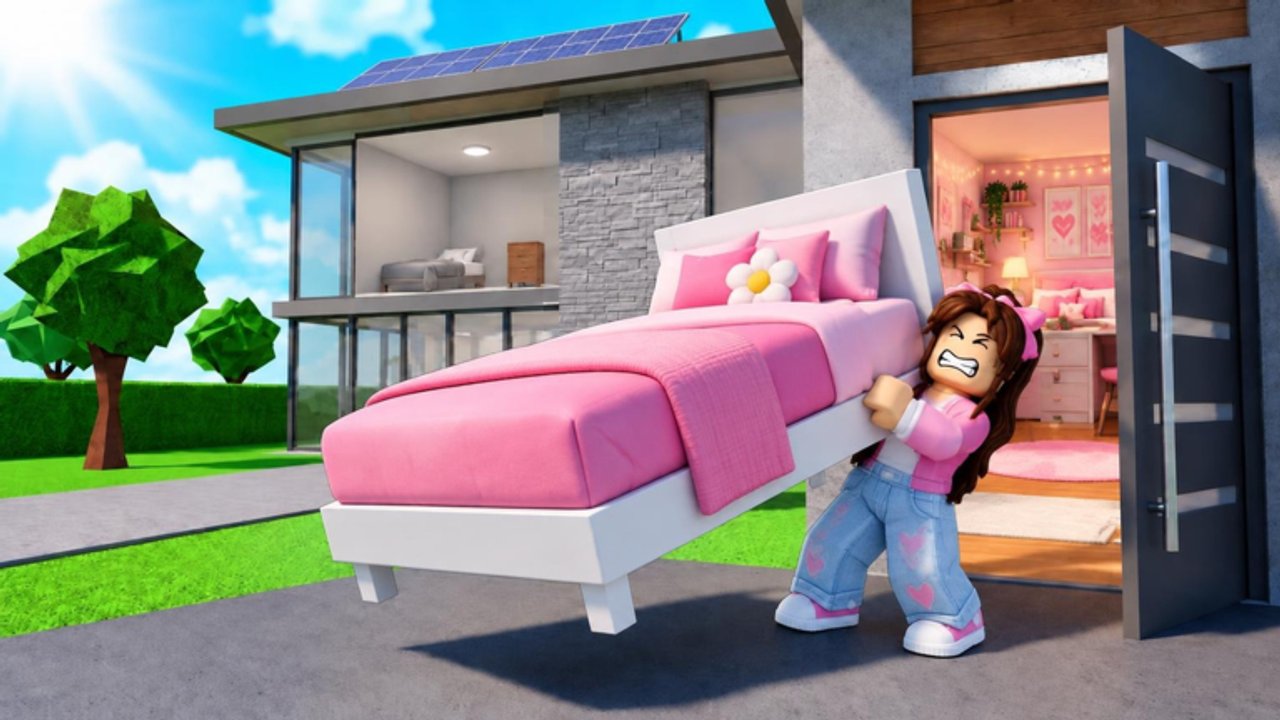
Welcome to the Grab and Decorate guides hub. Evil Tomato’s Roblox experience mixes smash-and-grab combat with cozy home decorating: you wreck delivery trucks, haul furniture back to your plot, spend cash on weapons and upgrades, shop the Mall, level up to unlock rooms, and even pick up pets. This hub is the map for every walkthrough on the wiki—use it when you need a clear next step instead of wandering the map guessing what matters.
Start here if you are new
Brand-new players should open Getting Started first. That page covers joining the experience, smashing your first trucks, redeeming the BEGINNER code for free tables, bringing loot home, placing early furniture, upgrading a starter weapon, and finding the Mall. Skim Controls if movement, grab prompts, or decorate inputs feel unclear. Pair both with the live Codes list so you claim BLURPLE, GOBBLE26, and MILLIONGIFT while they still work. Codes are the fastest way to stock common and exclusive pieces before you have strong weapons.
Core gameplay loops
Grab and Decorate runs on two loops that feed each other. Outside the house you farm: smash trucks, grab drops, earn cash, and upgrade weapons so tougher trucks become farmable. Inside the house you decorate: place furniture, paint, rearrange layouts, and fill rooms as leveling unlocks more space. The Smash Trucks guide breaks down the combat loop and weapon upgrades. How to Earn Cash focuses on budgets, flywheels, and session templates that keep income rising. The Decorate and Paint guide focuses on placing pieces, editing layouts, and painting for a cozy look. When truck drops stop covering your wishlist, use the Mall Guide to shop furniture beyond random smash loot.
Expanding the house
Leveling unlocks additional rooms in the default house. Filling every room is the path to the rare Full House badge. Read How to Unlock Rooms for expansion order, badge tips, and how more floor space changes your decorating goals. After each unlock, return to decorate-and-paint so new rooms do not sit empty while you keep farming.
Planning upgrades and meta picks
Not every weapon or furniture piece is equal for progression. Check the Tier List hub when you decide what to upgrade first, which furniture tiers are worth Mall cash, and which pets or player goals to chase next. For roster-style goals—badges like Welcome!, Full House, and New Best Friend (buy a pet)—browse the Players hub. Seasonal events and patch notes live under Updates, including Thanksgiving furniture tied to GOBBLE26 and the One Million Visits milestone gifts.
How to use this hub
- Finish Getting Started and learn inputs on Controls, then redeem codes on Codes.
- Farm with Smash Trucks and budget with Earn Cash until weapons feel comfortable.
- Unlock space with Unlock Rooms, then furnish via Decorate and Paint.
- Fill gaps at the Mall with Mall Guide and rank buys on the Tier List.
- Track badges, pets, and patch changes through Players and Updates.
Each guide keeps internal links with trailing slashes so you can jump between combat, decorating, and shopping without losing your place. Bookmark this hub, then dive into the subpage that matches your current bottleneck—weak weapons, empty rooms, or missing furniture styles.
Frequently Asked Questions
Quick answers for Grab and Decorate players.
Which guide should I read first?
Start with Getting Started, skim Controls if inputs feel unclear, redeem active codes, then move to Smash Trucks and Earn Cash before focusing on rooms and decorating.
Do guides include videos?
Select guides embed one real YouTube walkthrough mid-article, including Getting Started, Unlock Rooms, Decorate and Paint, Smash Trucks, Mall, Controls, and Earn Cash.
Where do codes and patch notes live?
Working codes are listed on the Codes hub. Patch notes, seasonal furniture, and milestone gifts are tracked on the Updates hub.
How do rooms and the Full House badge work?
Leveling unlocks more rooms in the default house. Unlock Rooms explains expansion; filling every room targets the Full House badge.